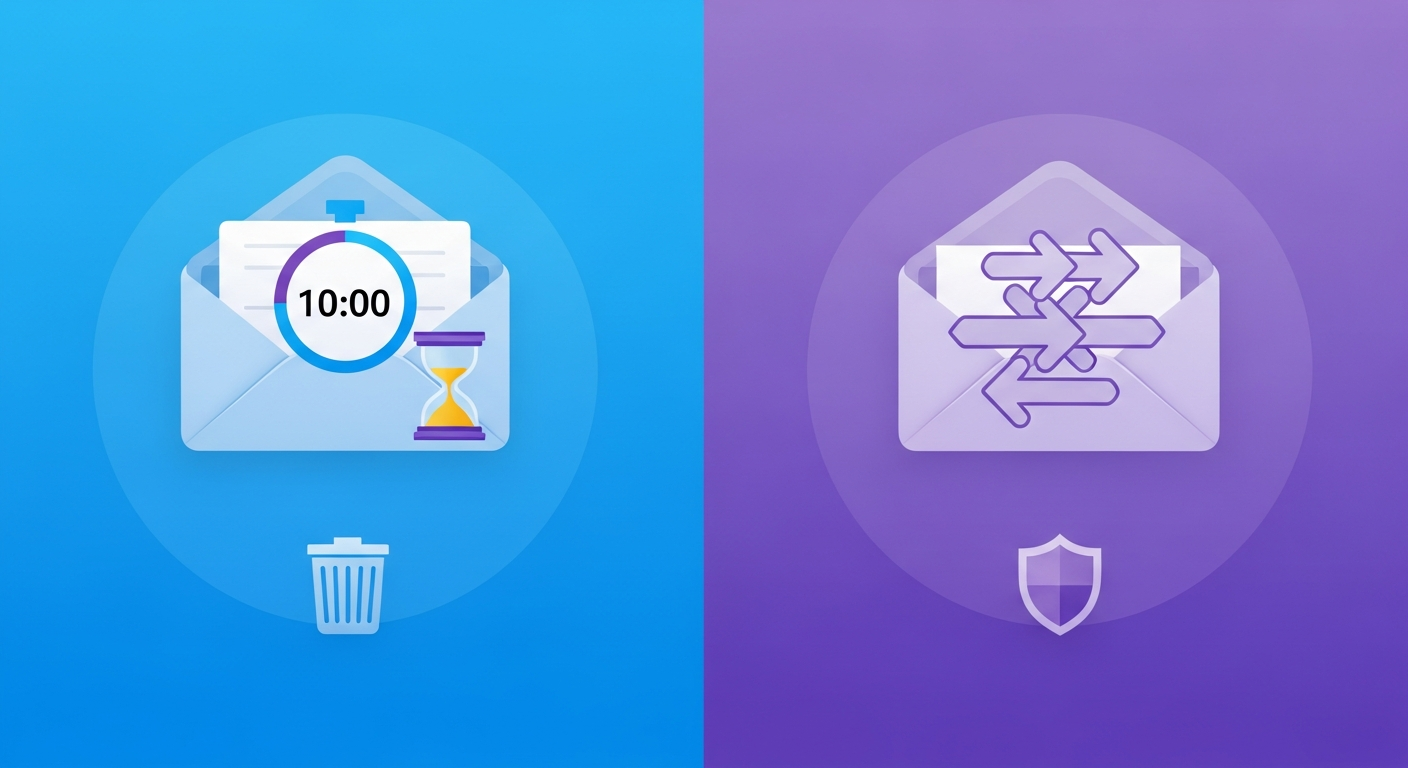
Two tools, one goal — but they work very differently
You want to sign up for something without handing over your real email. Two tools promise to solve that problem: disposable email addresses and email aliases. Both protect your inbox. Both are free to start. But they work in fundamentally different ways — and choosing the wrong one for the job can leave you locked out of an account or drowning in spam anyway.
This guide explains exactly how each works, where each one wins, and how to decide which to use.
What is a disposable email address?
A disposable email address (also called a temp mail or throwaway email) is a fully working inbox that you generate in one click — no signup, no password. You use it, receive whatever you need, and then the address expires automatically. Every message is permanently deleted. Nothing links back to you.
Services like My Temp Mail create a new address instantly on one of several domains. The inbox receives mail in real time. After the expiry window (typically 10 minutes to 24 hours), the address is unregistered and wiped — the email server forgets it ever existed.
Best for: one-time verifications, OTP codes, free trial signups, download gates, paywalled articles — anything where you will never need to access the account again.
What is an email alias?
An email alias is a forwarding address that sits in front of your real inbox. When you sign up for a service using an alias like random-string@simplelogin.io, any email sent to that alias is forwarded to your real inbox (e.g., your Gmail or ProtonMail account). You reply from the alias too, so your real address is never exposed.
Popular alias services include SimpleLogin (now part of Proton), addy.io (formerly AnonAddy), Apple's Hide My Email (iCloud+), and Firefox Relay. Unlike disposable addresses, aliases are permanent — you can keep or delete them at any time from a dashboard.
Best for: services you plan to keep using long-term, subscriptions you need to monitor, and situations where you want to reply anonymously while still receiving ongoing mail.
Key differences at a glance
| Feature | Disposable Email | Email Alias |
|---|
| Setup required | None — one click | Account creation needed |
| Lifespan | Minutes to hours, then deleted | Permanent (until you delete it) |
| Forwards to real inbox | No | Yes |
| Can reply anonymously | No (receive-only) | Yes |
| Blocked by some websites | Often yes | Less commonly |
| Messages saved long-term | No — deleted on expiry | Yes (in your real inbox) |
| Privacy level | Maximum — zero trace | High — real address hidden |
| Free tier available | Always 100% free | Free with limits |
| Account recovery possible | No | Yes (via alias dashboard) |
When disposable email wins
Use a disposable address whenever the interaction is genuinely one-time. You want a verification code — you get it — and you never need to hear from that sender again. In these cases, the automatic deletion is a feature, not a bug. There is no account to manage, no dashboard to log into, and no trail to clean up.
Common scenarios where disposable email is the right call:
- Downloading a free template, eBook, or software trial
- Receiving a one-time OTP or login code
- Signing up to read a single paywalled article
- Testing that your own app sends emails correctly
- Registering for a Wi-Fi hotspot or event that requires an email
The speed advantage is significant. A disposable address is ready in under a second. No account. No password. No confirmation email to wait for. For high-volume, throwaway use cases this is unbeatable.
When an email alias wins
Use an alias when the relationship is ongoing. If you subscribe to a newsletter you actually want, create an account on a platform you plan to use regularly, or sign up to an app that will send you receipts — an alias keeps those emails flowing to your real inbox while keeping your real address private.
The alias also gives you a kill switch. If one alias starts getting spammed — perhaps because the service was breached or sold your details — you delete just that alias. The spam stops immediately. Your real address was never at risk.
Common scenarios where an alias is the right call:
- Long-term subscriptions you intend to keep
- Online shopping where you need order confirmations and returns
- SaaS products you will use every week
- Any account where you need account recovery to work
- Communicating with a seller, colleague, or stranger while keeping your real address hidden
The trap people fall into
The most common mistake is using a disposable address for an account you actually need to access again. You sign up with a temp email, the address expires in ten minutes, and then three days later you try to reset your password — but the reset link goes to an inbox that no longer exists. You are locked out permanently.
The reverse mistake is using an alias for a truly throwaway interaction and then managing an ever-growing graveyard of aliases you never check and cannot remember creating.
The fix is simple: if you will ever need to log in again, use an alias or your real address. If you will never return, use a disposable address.
Can you use both?
Absolutely — and privacy-conscious users often do. Use a disposable email as your first filter for anything unknown. If the service turns out to be legitimate and worth keeping, create an alias for your ongoing relationship with it. Your real inbox stays completely out of the picture in either case.
The bottom line
Disposable email and email aliases are complementary tools, not competing ones. Disposable addresses give you instant, zero-trace protection for one-time interactions. Aliases give you permanent, manageable privacy for long-term relationships.
For quick OTPs, free downloads, and throwaway signups — a disposable address like My Temp Mail is the fastest and cleanest solution available. For everything else, an alias service gives you the control you need without ever exposing your real inbox.